Extend
Spread out.
Drag a window onto a separate desktop. Keep notes, documents or a reference beside the work on your Mac.
Mac app available now iPhone app in development →
Keep your work on your Mac. Put a video, reference, or another window on your Tesla. Two screens, more room to settle in—while parked.
$4.99/month · Billed today · Cancel anytime · Apple silicon, macOS 14 or later1
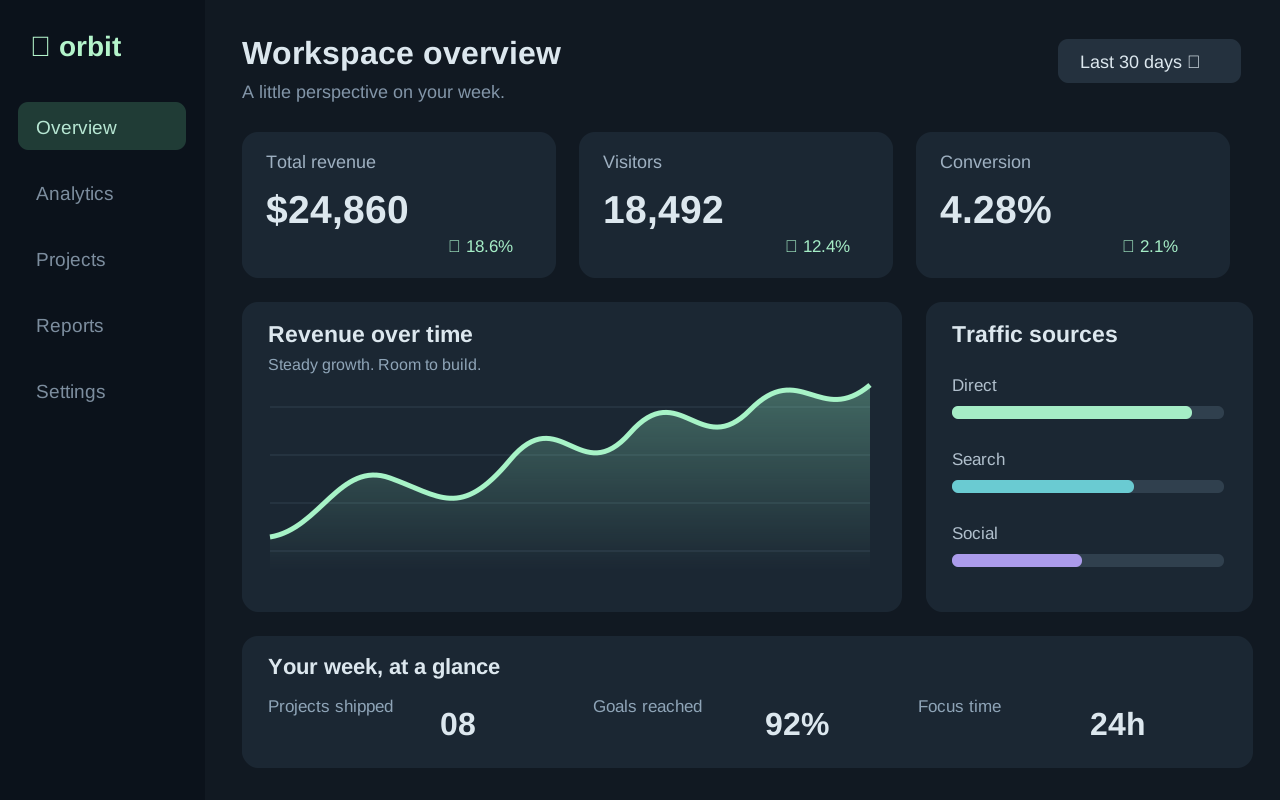
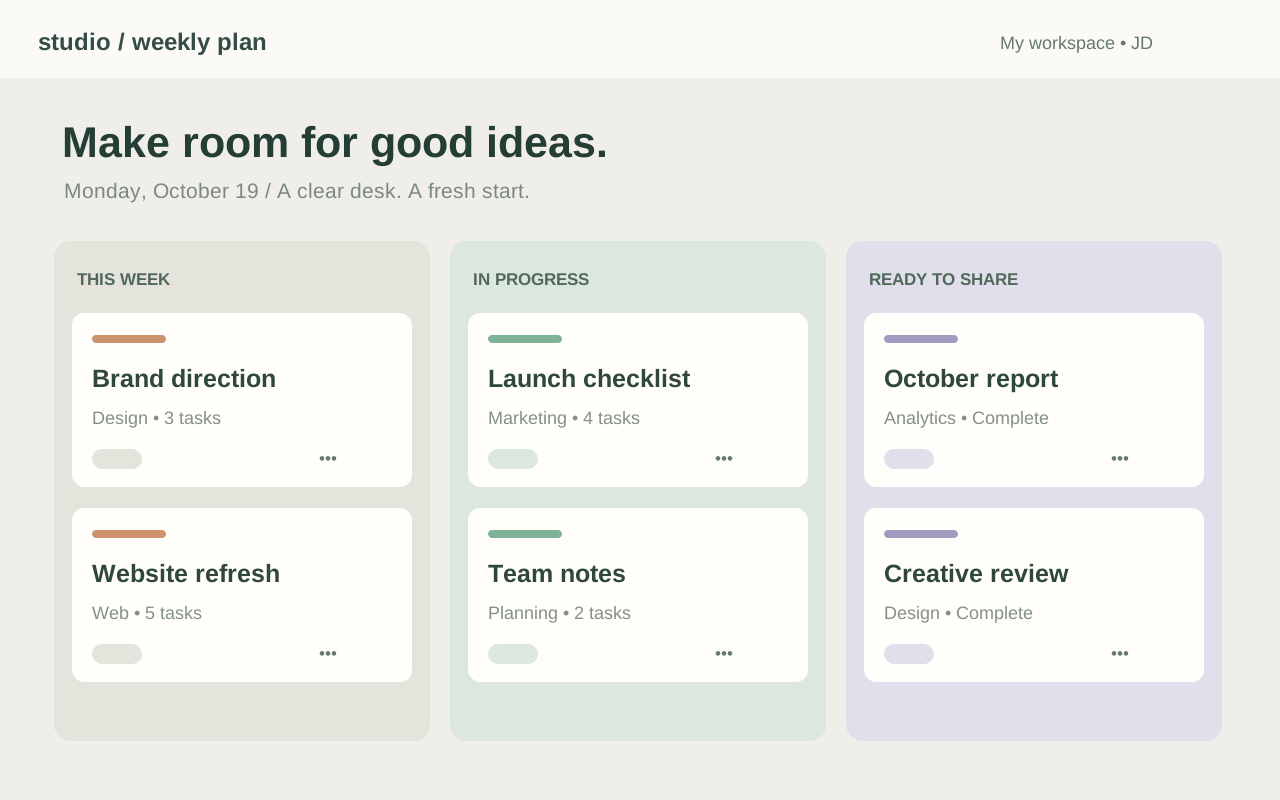
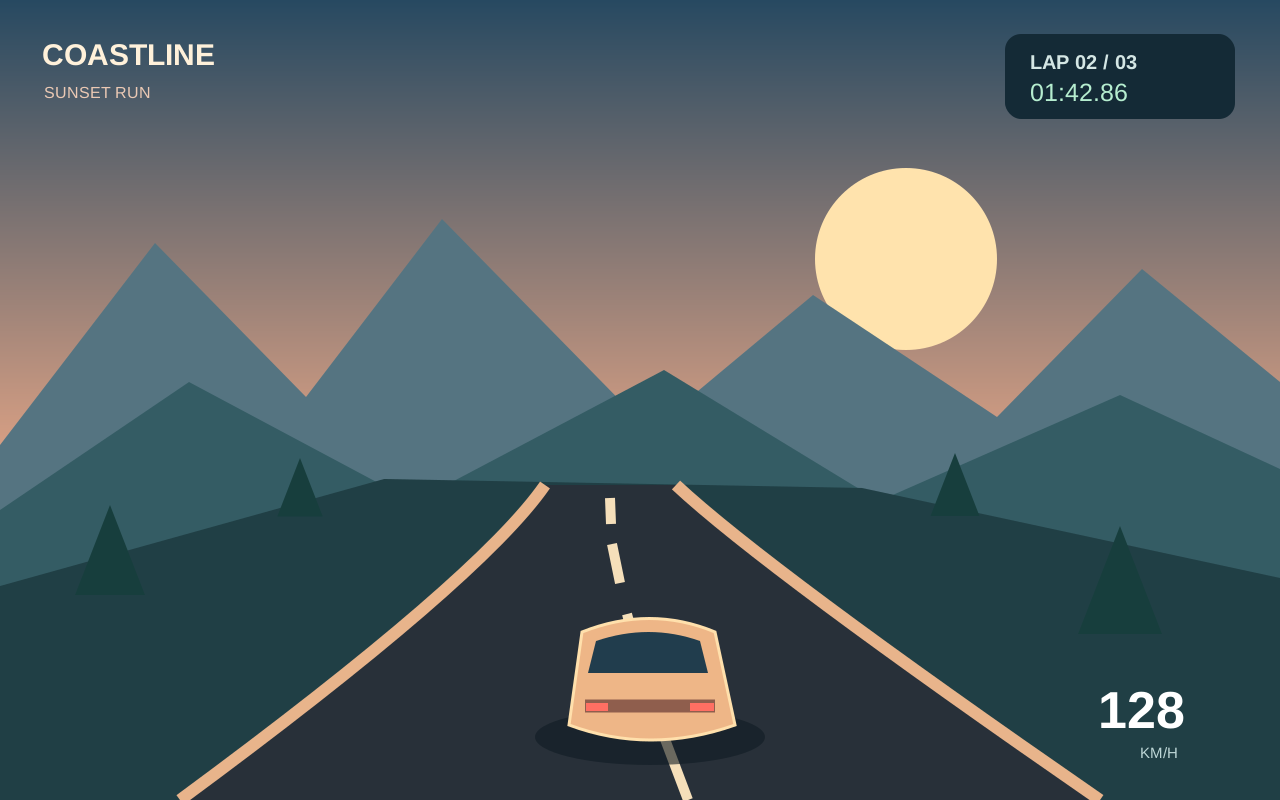
Illustrative work and play screens. Sample content.
Mac beta is video-only; use your Mac for audio.
See the real setup
A look at EV Dash Hub on our own Tesla screen. See how the Mac desktop appears in the car before you set up your first session.
Playing the video loads YouTube’s player.3
Features
The apps run on your Mac. Your Tesla’s browser becomes the screen. Nothing to install in the car.
Drag a window onto a separate desktop. Keep notes, documents or a reference beside the work on your Mac.
Put the same Mac screen on the center display. Useful for reviewing a layout or walking through an idea.
Optional touch access for taps, dragging, scrolling and keyboard input from the car’s screen.4
It opens in the Tesla’s own browser. No car modifications and no Tesla account sign-in.
Shared Wi-Fi is the best place to start. A phone hotspot for the Mac with the car on its own connection can work too.5
Why EV Dash Hub
A portable monitor
 EV Dash Hub
How it works
Your Mac stays open. Your Tesla stays in Park.
Start your membership and download the Mac app from your account. Allow screen recording, choose Extend desktop or Mirror Mac, then select Start display.
Visit evdashhub.com/mac-display, sign in to your membership and enter the six-digit code from your Mac.
Approve the matching viewer number on your Mac. Your screen stays private until you approve the connection.
Privacy by design
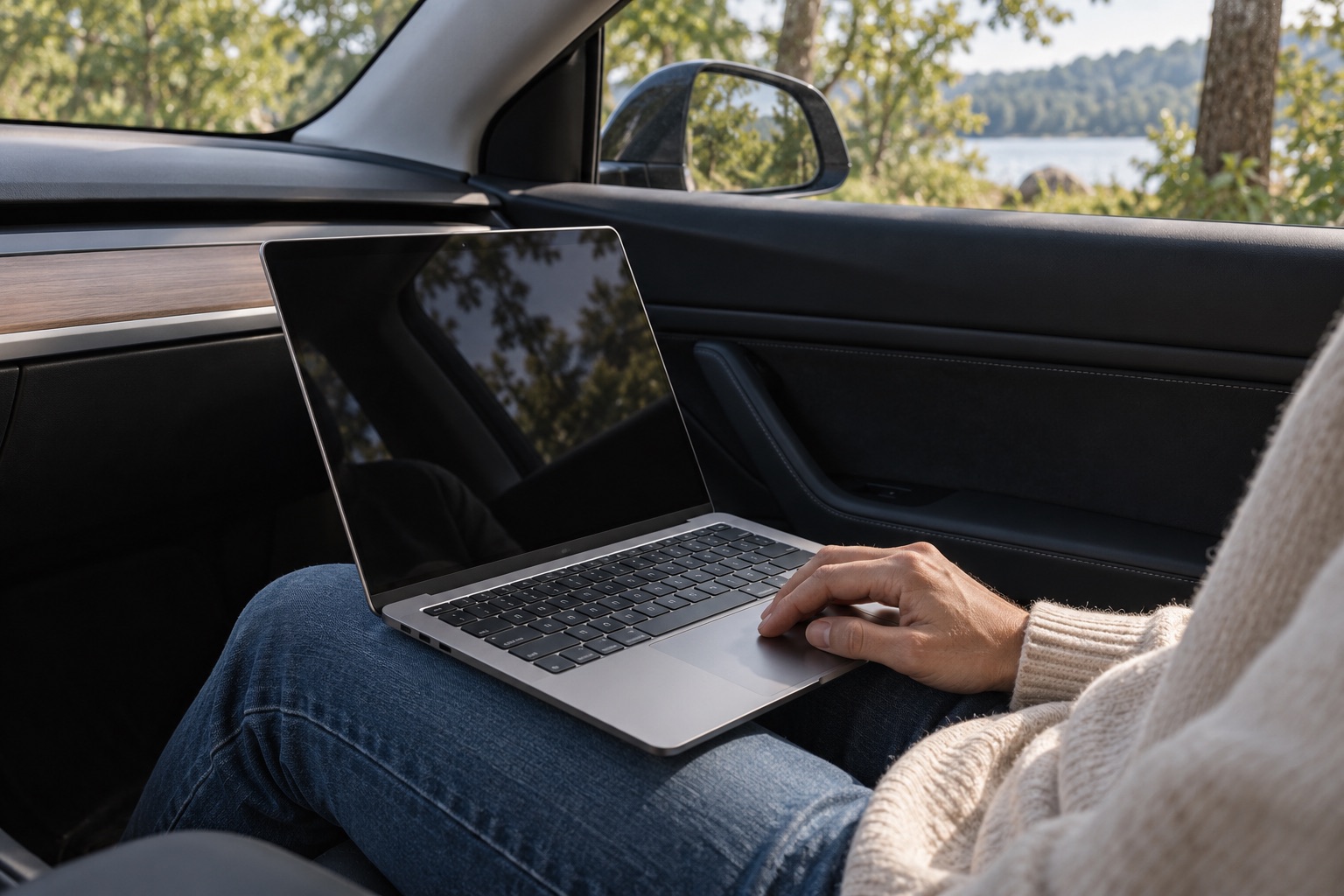
Made for your time in Park
Lifestyle image is an AI-generated illustration.6
Tech specs
This early Mac build is not Apple-notarized. macOS may ask you to approve it in Privacy & Security. Download only from evdashhub.com. Screen Recording is required; control access is optional. An app update may require you to refresh those permissions.
Next up · In development
We’re working on an iPhone companion app to bring screen sharing to your dash without a Mac. It isn’t available to download yet. Today’s release is for Mac.
Pricing
Choose monthly or yearly. Your membership starts with payment today.
Monthly
$4.99/month
Billed today · Cancel future renewals anytime
Choose monthly$4.99 charged today, then monthly until canceled.
Save $9.89 a year
Yearly
$49.99/year
Billed today · Cancel future renewals anytime
Choose yearly$49.99 charged today, then annually until canceled.
Payment is due today. Manage future renewals in your account. Applicable taxes may apply. The iPhone app and audio streaming are not included in today’s release.
No. Install the companion on your Mac and open the display page in the Tesla browser. No modification to your car is needed.
EV Dash Hub is for use while parked. It does not bypass Tesla’s browser or video restrictions while driving.
That connection path is supported by the internet relay design: Mac on your hotspot, Tesla on its own cellular browser connection. It still uses hotspot data for the Mac, and smooth playback is not guaranteed. Start with shared Wi-Fi to establish a good baseline. Tesla cellular browser access requires its applicable connectivity plan.
The current download supports Apple silicon Macs running macOS 14 or later. Windows, Linux, and Intel Mac builds are not available. Support for other computers needs a separate companion app; the Tesla browser alone cannot share their desktop.
You can share ordinary desktop windows. Protected video may appear black or refuse playback. The current beta has no audio, and it does not add CarPlay or native Tesla app integration.
In the Mac app, choose Enable touch access and allow EV Dash Hub in macOS Privacy & Security. Then turn on Control Mac from Tesla touchscreen. After an update, an old permission entry may need to be removed and the installed app added again.
Sign in to your account and choose Manage billing. Canceling an ongoing plan stops future renewals; access continues through the paid period.
Guides
Extending or mirroring a Mac onto a parked Tesla screen, including requirements, pairing and the limits to check first.
Read guide WorkspaceBuild a parked-car workspace around a laptop, reliable internet, readable screens and a session you can finish comfortably.
Read guide ConnectivityThe difference between Tesla cellular internet, a phone hotspot and the connection your laptop needs for screen sharing.
Read guideYour Mac, on your car’s center screen. Join for $4.99/month or $49.99/year.
Mac beta available now. iPhone app in development.